Apple has added a new ‘hardware button’ to old iPhones which you may not know - Times of India
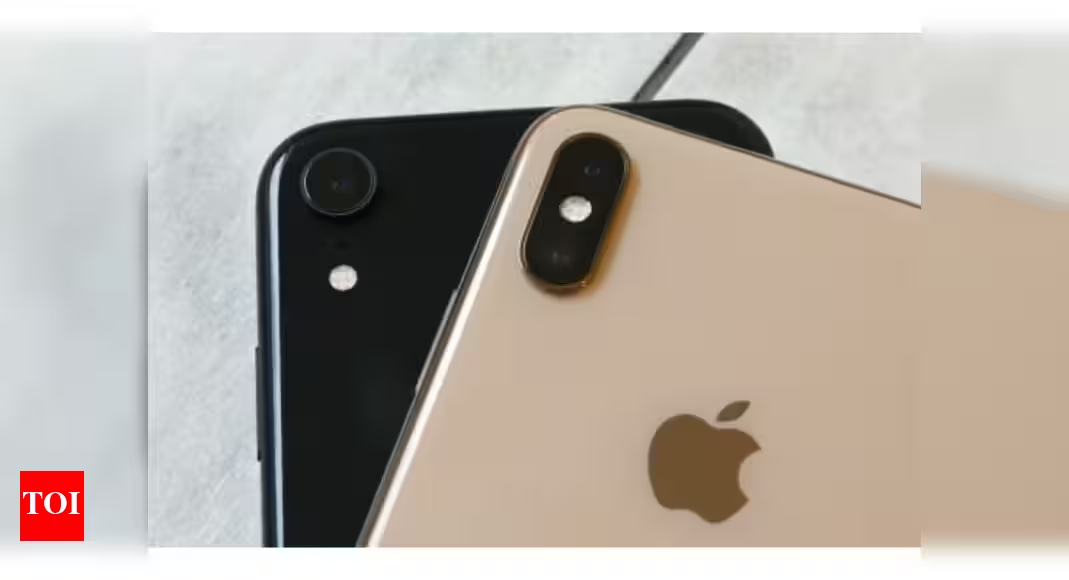
For example, you can simply double at the back of your iPhone to take screenshots, after updating to iOS 14. Also, you can triple tap to lock the screen instantly. Apple allows you to select what functions you wish to perform by double or triple taps at the back of your iPhone. The good part is that you can double or triple tap anywhere on the back panel of the iPhone–even extreme corners.
The Back Tap feature can be found inside Accessibility options under Settings and it is turned off by default. This is one of the reasons why most iPhone users missed noticing it when iOS 14 was rolled out. Go to Settings > Accessibility> Touch> Back Tap to turn it on and select the action you wish to perform when you double and triple tap the back of your iPhone. You could simply search for “Back Tap” in the search bar inside settings to quickly check out this feature too.
The Back Tap option also supports Shortcuts with which you can truly customise the entire experience. You can just double tap to make certain apps perform specific tasks once you have configured Shortcuts.
Stay connected with us on social media platform for instant update click here to join our ????️????️ Twitter, & Facebook
We are now on Telegram. Click here to join our channel (@TechiUpdate) and stay updated with the latest Technology headlines.
For all the latest Technology News Click Here
For the latest news and updates, follow us on Google News.
Also, if you like our efforts, consider sharing this story with your friends, this will encourage us to bring more exciting updates for you.


