Apple releases emergency iOS update for older devices – check your iPhone now
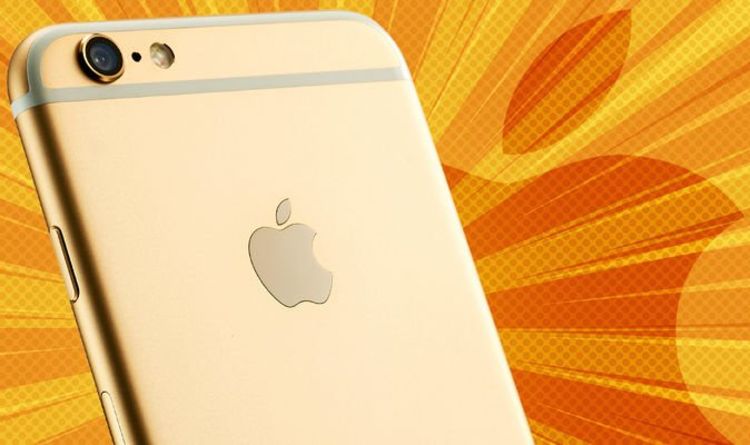
Apple has launched an important update for older iPhone and iPad owners today. While these devices aren’t supported with the latest version of iOS – missing out on the most exciting new features, designs and apps – Apple has released an update to fix a number of worrying vulnerabilities discovered inside the software. Since iPhone users with these older models aren’t used to getting excited about the arrival of new emoji or widgets… there’s less incentive to check the Settings app for new versions of iOS, compared to those with the latest handsets who are now already on tenterhooks about the upcoming features in iOS 15 coming later this year.
However, there is a new update available for older iPhones and it’s much, much more important than shiny new widgets or a refreshed design from Apple. The latest update, iOS 12.5.4, is available right now on iPhone 5s, iPhone 6, and iPhone 6 Plus. iPad Air, iPad mini 2, iPad mini 3, and the 6th generation iPod Touch can also download the patch now. The last time that Apple rolled out a new update to these devices was back in May 2021.
The only reason that Apple is pushing out the update to older iPhone, iPad and iPod Touch owners is to try to quickly fix a number of issues in iOS, specifically two problems with WebKit and a memory corruption glitch. All three of these issues could allow bad actors to execute remote code on your device – leaving the door open for malware to take over your handset, keep track of your data, or worse.
“This update provides important security updates and is recommended for all users,” Apple urged all affected iPhone owners in the notes published alongside the iOS 12.5.4 update.


