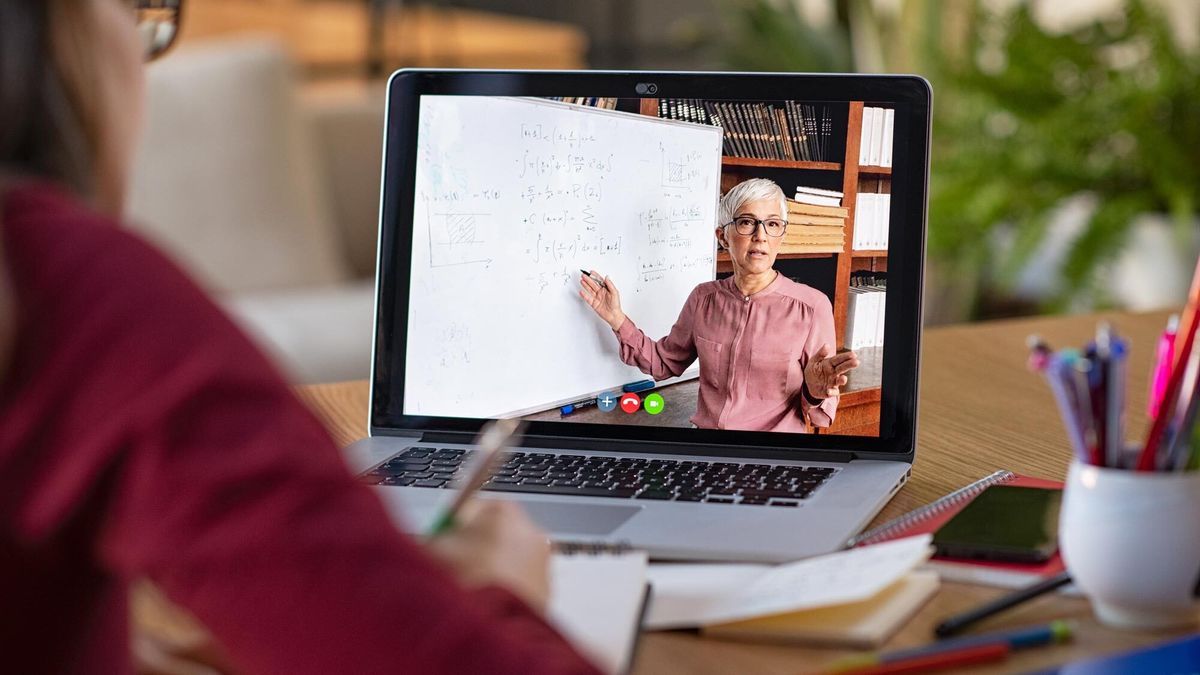
The best college laptops help you stay on top of your projects with enough portability and power capacity to get you through your day. Whether you’re going back to school in person or attending classes remotely, having the right laptop is key.
Our best college laptop picks all share a few common traits. Not only do they have great to excellent battery life, which is critical when you’re running between classes on campus all day, but they offer fantastic bang for your buck, with multiple models under $600 (and some higher priced laptops that are fantastic investments).
And if you’re worried about spending over $1,000, know that our picks are made with your future in mind. The MacBook Pro isn’t cheap, for example, but mine has lasted me 8 years, which is enough time for undergrad and graduate school (or for applying to your first jobs out of college).
Read on for our picks of the best college laptops you can buy now.
College students learning to make a dollar stretch can learn a lesson from the Acer Swift 3. That lesson? You don’t need to pay a premium for great performance. Its AMD Ryzen 7 4700U CPU is snappy and it’s got exceptional battery life (11:09) — all packed into a lightweight design. Plus, its USB Type-C, HDMI and USB-A ports mean you’re able to do more with any adapters or dongles.
On top of that, its keyboard is great for typing out term papers, with quiet, clicky keys that won’t irritate your roommate. Just don’t expect it to replace your Bluetooth speaker: we wish its audio had a bit more kick. Its slightly dim display isn’t great for Netflix either, but its mix of performance and price is so strong that you’ll be able to look past that minor concern.
Going to college with a decent budget? The Dell XPS 13 just got a decent speed boost thanks to Intel’s 11th Gen Tiger Lake processors. Specifically, the XPS 13’s Geekbench 5 score beats last year’s by about 10%. And for writing up your next major assignment or project, you’ll love XPS 13’s keyboard — one of the best there is. Also, Dell’s found a way to trim the bottom bezel of its InfinityEdge display, for an even better screen-to-body ratio than before.
And if you customize it properly, you can get it with the Arctic White colorway that’s a real eye-catcher. And with the Intel Iris Xe upgrade, we’ve seen decent graphics performance boosts vs last year’s model as well. The only real issue is in its 11-hour battery life, which is still good, but not quite as good as the 12+ hour staying power of the10th Gen Intel-based XPS 13.
Read our full Dell XPS 13 (2020, 11th Gen) review.
(Image credit: Tom’s Guide)
3. Apple MacBook Air M1 (late 2020)
The best college laptop for iPhone users
Specifications
Display: 13.3 inches; 2,560 x 1,600
CPU: Apple M1
GPU: Integrated 8-core GPU
RAM: 8GB-16GB
Storage: 256GB-2TB SSD
Weight: 2.8 pounds
Reasons to buy
+Remarkably fast performance+Strong legacy app support+Amazingly long battery life
Reasons to avoid
–Still has thick bezels–Light on ports
The new MacBook Air will keep its charge through multiple classes, breaks and all nighters. We mean that, as it survived on the Tom’s Guide battery test for 14 hours and 41 minutes, the longest lasting MacBook Air ever. Its performance is also seriously faster: the M1 chip makes the MacBook Air a shockingly decent system in multiple ways. Not only did it run Rise of the Tomb Raider smoothly, but that was a Rosetta 2 conversion of that Intel app.
Plus, you can run iOS and iPadOS apps on the MacBook Air, as its M1 processor is similar to the A-series iPhone and iPad processors. Living the remote learning life? You’ll look clearer and more accurate than ever, as signal processing in the M1 makes the MacBook Air webcam better than ever. Also, its Magic Keyboard is really great for typing comfortably for hours on end.
Read our full Apple MacBook Air M1 (late 2020) review.
(Image credit: Tom’s Guide)
4. Asus Chromebook Flip C434
The best Chromebook for college
Specifications
Display: 14 inches; 1,920 x 1,080
CPU: 8th-Generation Intel Core m3
GPU: Intel UHD Graphics 615
RAM: 4GB-8GB
Storage: 64GB
Weight: 3.19 pounds
Reasons to buy
+Slick design+Nice display+Good battery life
Reasons to avoid
–A bit more expensive than some other Chromebooks
Students are one of the primary groups that have made Chromebooks a success, and we easily recommend the Asus Chromebook Flip C434 for your next semester. Not only does it offer the simplicity needed by many — plus easy access to Google Docs, Sheets and Slides for your next classes — but the addition of Android app emulation gives this growing platform new tricks. The Asus Chromebook Flip C434 offers a slick design and speedy performance — plus it lasted 8 hours and 52 minutes on our battery test, so you won’t need that power cord when you take your laptop to the kitchen table or the couch.
The Flip C434 is also great for college students who can take notes in Android apps with its touchscreen. And with a solid set of ports — 1 USB 3.1 port, 2 USB-C ports, a headphone jack and a microSD card slot — you’ll never have a hard time connecting anything. Admittedly, ChromeOS doesn’t have the high-end apps that graphic design, engineering and computer science majors may need. But the Flip C434 is a great pick for english and history majors, or anyone else who can rely on a word processor and an internet connection.
+Light, slim design+Very comfy keyboard+Great speakers+Good battery life
Reasons to avoid
–Needs more ports–Thick bezels are an eyesore–Needs a better webcam
The Microsoft Surface Laptop 4 is the closest thing the company makes to a flagship Windows laptop. This 2021 addition to the Surface Laptop line packs premium components into a svelte chassis, and it comes with a clean Windows 10 install that’s bloatware-free.
If you’re looking for a premium Windows laptop to carry all day between classes or coffee shops, the Microsoft Surface Laptop 4 is the way to go. It has a comfy keyboard with well-sized, satisfying keys and a nice Alcantara deck option that gives your wrists a little more comfort than a typical all-metal laptop. Factor in the respectable 10+ hour battery life and the screen’s tall 3:2 display ratio, which can help you read and edit documents more comfortably, and you have a great notebook for students looking to get things done on the go.
+Beautiful design+Gorgeous QLED display+Improved battery life
Reasons to avoid
–Key travel could be better–Touchscreen input can be inconsistent
The original Samsung Galaxy Chromebook’s biggest perk was actually creating its achilles heel. Yes, that 4K OLED display was sharp, but a move to a 1080p QLED panel was a fantastic decision that should make this Chromebook a hit. Now it’s way more affordable, and also has better battery life— 7:50 vs the previous model’s 5:55. Of course, that’s still not nearly as good as the other laptops on this list, most of which lasted 10-16 hours on a single charge.
Plus, the Galaxy Chromebook 2 pumps out a ton of volume for such a small laptop. Admittedly, we weren’t as happy with the vertical travel in its keyboard, which creates a typing experience you may have to adapt to — unless you’re coming from a MacBook from 2016 to 2019. But college students will find a lot of value in a Chromebook that looks this good — its Fiesta Red color option will stand out in your lecture halls — and works this well. Plus, at $549 (Celeron) or $699 (Core i3), you’re getting a lot for a fair price.
Read our full Samsung Galaxy Chromebook 2 review.
(Image credit: Tom’s Guide)
7. Microsoft Surface Go 2
The best 2-in-1 laptop for college students
Specifications
CPU: Pentium Gold, 8th Gen Intel Core m3
Camera Resolution: 8MP (rear), 5MP (front)
Display: 10.5 inches, 1920 x 1280 pixels
Storage: 64GB, 128GB, 256GB
Memory: 4GB, 8GB
Ports: headphone jack, USB-C, microSD, Surface Connect port, Surface Type Cover Port
College students looking for a portable 2-in-1 that can last a while should give the Surface Go 2 a close look. Yes, the original Surface Go was not a hit, but this model fixed practically everything wrong with the original. Its thinner bezels mean more screen space for your assignments (and a more modern looking tablet). We would have ranked the Surface Go 2 a bit higher, but its 10.5-inch screen and keyboard may be small for some college students.
And its battery life, just as importantly, is great: it lasted 11 hours and 39 minutes in our battery test, which is over 5 hours longer than the original Surface Go lasted. College students will love the Surface Go 2’s Zoom-ready webcam, a 5-megapixel 1080p front camera that is perfect for this era of online learning. Plus, you get Windows Hello biometric login for unlocking the Surface Go 2 when you sit down to it, and if you get the 8th Gen Intel Core i3 version, you’ll get the moderate multitasking capability you need to catch up with your coursework (while you stream Spotify).
Read our full Microsoft Surface Go 2 review.
(Image credit: Tom’s Guide)
8. MacBook Pro 13-inch (M1, late 2020)
Best college laptop for photo editing
Specifications
Display: 13 inches; 2560×1600
CPU: Apple M1 (8-core)
GPU: 8-core integrated
RAM: 8GB to 16GB
Storage: 256GB to 2TB SSD
Weight: 3 pounds
Reasons to buy
+Superb performance+Crazy long battery life+Bright and colorful display
Reasons to avoid
–Dated design–Just two Thunderbolt ports
If you’re going off to college to learn about making movies or master other visual media, you’ll want to turn to the new M1-powered MacBook Pro. Its display is better than the Air’s and its battery lasts longer as well — it ran for 16 hours and 25 minutes in our battery test, which is absolutely epic. And once your favorite applications update to support Apple silicon, you’ll wonder what took Apple so long to ditch Intel.
And just like with the new Air, the MacBook Pro comes with the new Magic Keyboard, as Apple finally ditched the shallow and unreliable Butterfly keyboards. This combination of endurance and performance, mixed with a display that’s great for seeing your creations come to life makes for one of the best college laptops for Apple users, provided their budget allows for it.
Read our full MacBook Pro with M1 review.
How to choose the best college laptop for you
Portability and battery life are often more important than performance, screen quality, or any other attribute when you’re shopping for a laptop that’s great for school. Luckily we put every laptop we review through our Tom’s Guide battery test, which involves continuously browsing the web over Wi-Fi with the screen brightness set to 150 nits.
Based on those results, we recommend budget shoppers consider purchasing the Acer Aspire 5, Asus Chromebook Flip C434 and Microsoft Surface Go 2, as all come in at less than $600 — and that’s with the Surface Go 2’s Type Cover Keyboard (sold separately). Picking between these three is simple. If you prioritize performance, get the Aspire 5. Need a Chromebook? The Flip C434’s your next laptop. Want a tablet? Go get a Surface Go 2.
The next price tier of laptops, both under $700, has the Acer Swift 3 and the Google Pixelbook Go, which brings up an interesting choice. The Swift 3 is fast for its price tag, but its screen is not that bright. If you can do all your school work via Chrome and Android, the Pixelbook Go’s premium build and excellent screen are a solid combination.
Lastly, we get to the folks who can spend $1,000 or more. iPhone-using college students can get the MacBook Air if their majors don’t require demanding programs, or spend the extra $300 for the remarkably long-lasting MacBook Pro if they’re going to be living within Adobe’s applications. The rest of the student body, who think the best college laptop has to be a PC, will decide based around performance and audio quality. The Dell XPS 13 has modern 11th Gen CPUs and Thunderbolt 4 (great for connecting an external monitor) but unimpressive sound, while Microsoft’s Surface Laptop 4 has great sound and a powerful 11th Gen Intel CPU, but no Thunderbolt 4 ports — just two USB ports, one USB-C and one USB-A.
How we test the best college laptops
College students, no matter the season (or year, for that matter) live in a highly mobile situation, where they’re going to want a laptop that can last a while on a single charge. That’s why we test laptops with our afore-mentioned web-surfing-based battery test, which involves setting each laptop’s display to 150 nits of brightness and measuring how long it can last while loading an endless stream of web pages.
On top of that, we test each laptop’s performance with a mix of every day usage, (opening tons of web browser tabs, streaming YouTube and move) and performance-measuring benchmarks such as Geekbench for the CPU and our own storage speed tests to see how fast these laptops can clone big blocks of data.
We measure each laptop’s display via the readings recorded by our light gun, one of two pieces of hardware (the other being our colorimeter) that we use to measure how bright a screen can get and how much of the sRGB color spectrum it can produce.
Be sure to check out all of our guides to get you ready to go back to school:
Best office chairs | Best desk lamps | Best pens | Best computer speakers | Best laptop bags | Best webcams | Best all-in-one printers | Best Chromebooks for kids
Stay connected with us on social media platform for instant update click here to join our Twitter, & Facebook
Denial of responsibility!TechAzi is an automatic aggregator around the global media. All the content are available free on Internet. We have just arranged it in one platform for educational purpose only. In each content, the hyperlink to the primary source is specified. All trademarks belong to their rightful owners, all materials to their authors. If you are the owner of the content and do not want us to publish your materials on our website, please contact us by email – [email protected]. The content will be deleted within 24 hours.