How To Check AirTel Account Balance: Two Ways
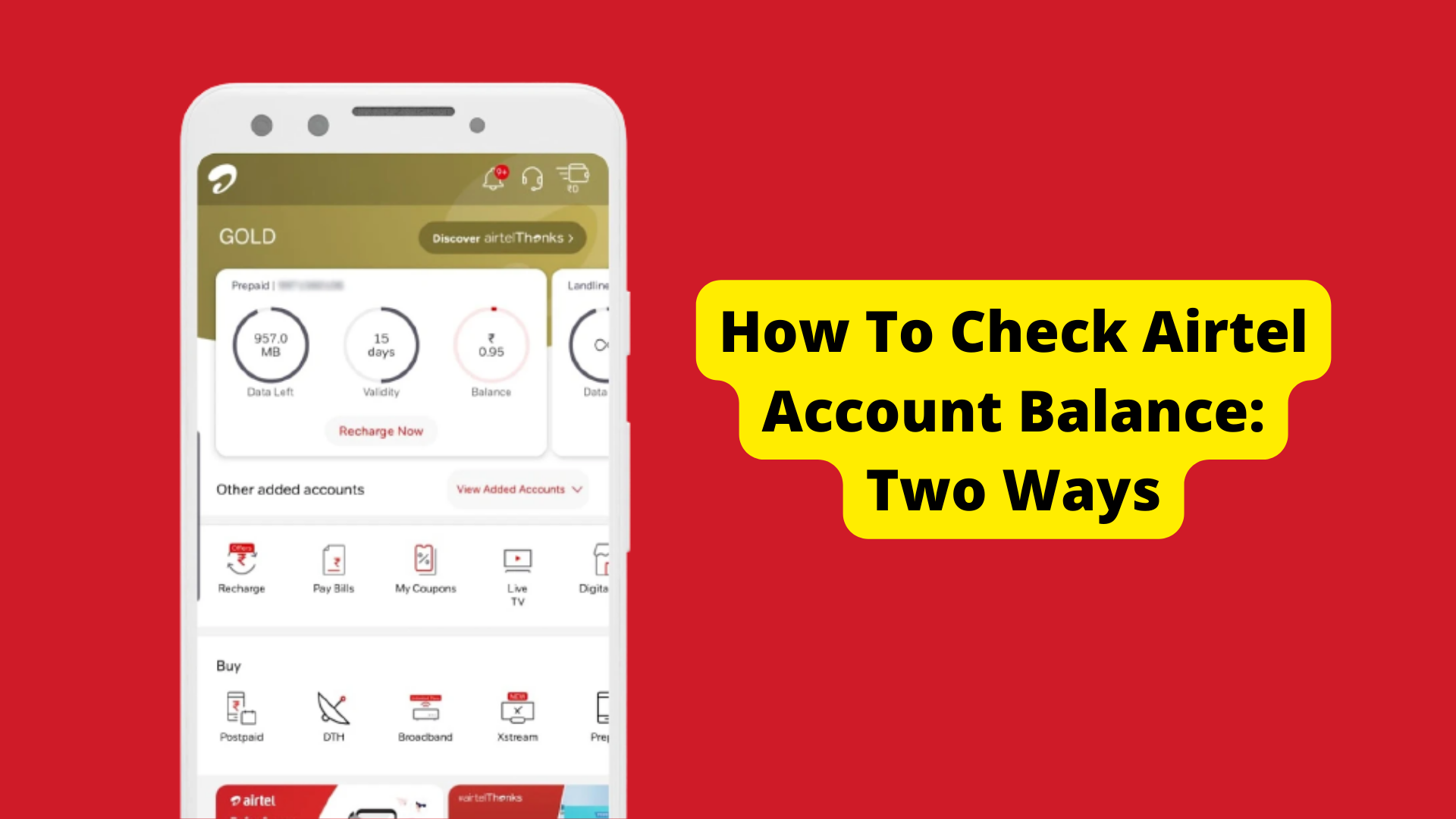
A few years ago, people would go to their dialer app and use the various USSD codes to check main, net, and data balance and whatnot. However, with the advent of apps, things have changed. AirTel alone has millions of users and the most effective way to check AirTel account balance is simply to use the AirTel Thanks app. It is an all-you-can-know interface where you get information on various types of balances active on your phone number. Let’s dive into how you can check out the AirTel account balance using the app and the USSD codes available.
How To Check Airtel Account Balance Using AirTel Thanks App
Unlike USSD codes which were used heavily earlier, the AirTel Thanks app has replaced everything with just an app. You can check out the balances, recharge your number, and more all on a single interface. Here’s how you can do it.
Step #1: You need to download the AirTel Thanks app on your device. Go to Google Play Store (for Android) or the App Store (for iOS).
Step #2: You’ll need to provide your AirTel phone number to register on the app. An OTP might arrive in some cases so you will have to furnish it based on the instructions.
Step #3: Next, tap on the “Manage” page on the app and proceed to “Service”.
Step #4: You will get access to all the services right here on this page including talk time, data balance, etc. Browse the various sections of the app and you will find out all the information about the plan, active main and net balance, data, etc.
How To Check AirTel Account Balance Using USSD Codes
Let’s see how you can use the USSD codes to check the AirTel account balance.
- To check the main balance on your AirTel number, dial *123# on a dialer app on your phone and hit ‘call’. It will automatically show the talk time and data balance that you have at the moment.
- Use the USSD code *123*10# to check AirTel’s net balance.
- You can also use *121# to check out various promotional offers tailored just for you. Note that the recharges mentioned in this section may not be available for other AirTel numbers.
- You can use *141# to call and get a loan for talk time or balance and pay on your next recharge.
- You can use *123*9# if you want to check your 2G internet balance for some reason.
Related
Stay connected with us on social media platform for instant update click here to join our Twitter, & Facebook
We are now on Telegram. Click here to join our channel (@TechiUpdate) and stay updated with the latest Technology headlines.
For all the latest Technology News Click Here
For the latest news and updates, follow us on Google News.


