How to download the tvOS 15 public beta right now
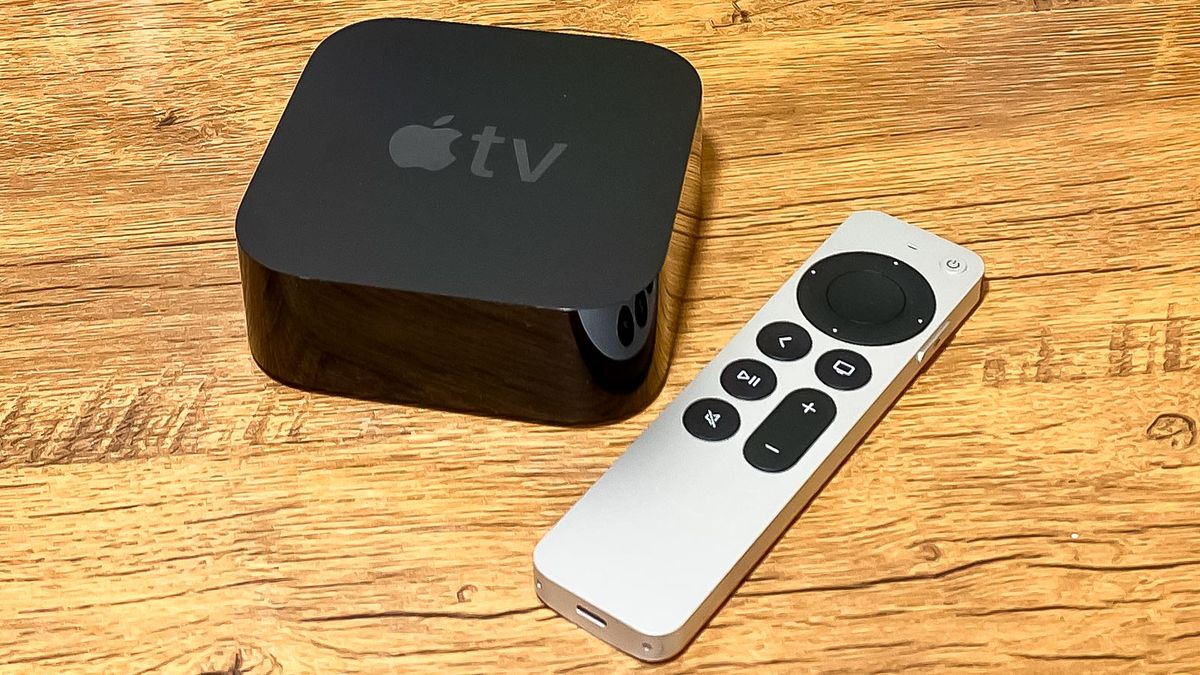
If you’re looking to download the tvOS 15 public beta today, we’ve got all the steps you need to jump to this fall’s update before the final release. But this is definitely not something everyone should try.
If you hurry to download the tvOS 15 public beta, you may be putting your Apple TV at some risk you might not want to. Yes, it was incredibly difficult to get the tvOS 15 developer beta on your Apple TV (you needed Xcode), but all folks excited to try out tvOS 15’s public beta should know how difficult it could be to fix if something goes wrong.
Unlike the other Apple betas, it’s not easily removed. In fact, you’ll need to work with Apple if you have issues with an Apple TV 4K on the public beta. We’ll cover that below. But if you really want to try out SharePlay on the Apple TV (can’t blame you), support for spatial audio with AirPods Pro or AirPods Max and the dual HomePod mini speaker setup, here’s what you need to know.
Should you download the tvOS 15 public beta?
Okay, before we go any further, we need to talk about the legit reason not to download the tvOS 15 public beta. It’s just come out, and if anything goes wrong with it, you may not be able to go back.
The Apple TV 4K does not have a way for you to restore it to factory settings, as it does not have the USB-C port that the Apple TV HD does. So, if you rely on your Apple TV 4K, I say wait a little bit. If something goes wrong with the tvOS 15 public beta on an Apple TV 4K, you’ll have to go through Apple TV support to try and save it. Apple’s documentation confirms all of this.
Check out the online reactions to this beta, and see if it’s stable enough. Probably wait for the second tvOS 15 public beta. The system itself may be stable, but will third-party apps also run well on the tvOS 15 beta?


