How to merge your provident fund UANs
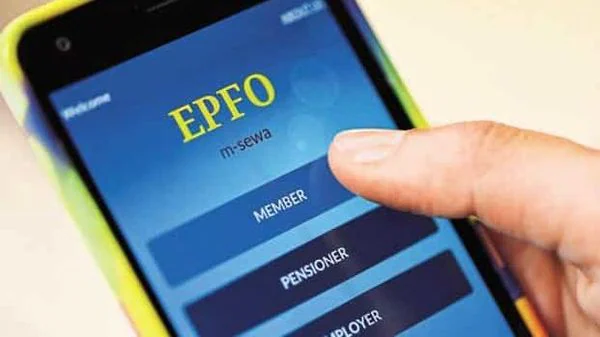
Many employees end up with two Universal Account Numbers (UANs) when they change jobs. If this happens, they will need to transfer the employee provident fund (EPF) accounts linked with the earlier UAN to the new one.
The idea behind the introduction of UAN was to allow employees to link their EPF accounts from different employers to a single identifier.
Employees can end up with different UANs in two situations. One, an employee doesn’t disclose the existing UAN to the new employer, and the latter ends up issuing a fresh UAN.
Two, an employee can end up with multiple UANs if the previous employer doesn’t carry out the compliances in time. When employees quit their jobs, employers must mention their “date of exit” to the Employees’ Provident Fund Organisation (EPFO). They specify it in the Electronic Challan and Return or ECR during the monthly filings. If this procedure is not done in time, the new employer will allot a fresh UAN to the employee.
PROCEDURE TO MERGE UANs
There are two ways you can “merge” the two UANs. A member can log on to the EPFO’s UAN portal (unifiedportal-mem.epfindia.gov.in). After logging in, the individual can request transfer of the EPF accounts linked with the earlier UAN to the new one.
Once all the previous accounts are transferred, the previous UAN will get disabled. The EPFO will convey the deactivation status via text message.
If an employee has not activated the new UAN, he or she will need to do so to complete the transfer of old EPF accounts to the new UAN.
Sometimes, the previous employer may deposit PF arrears. If the previous EPF accounts are linked with the new UAN, the arrears will be reflected in the new UAN.