How to scan a QR code on Android
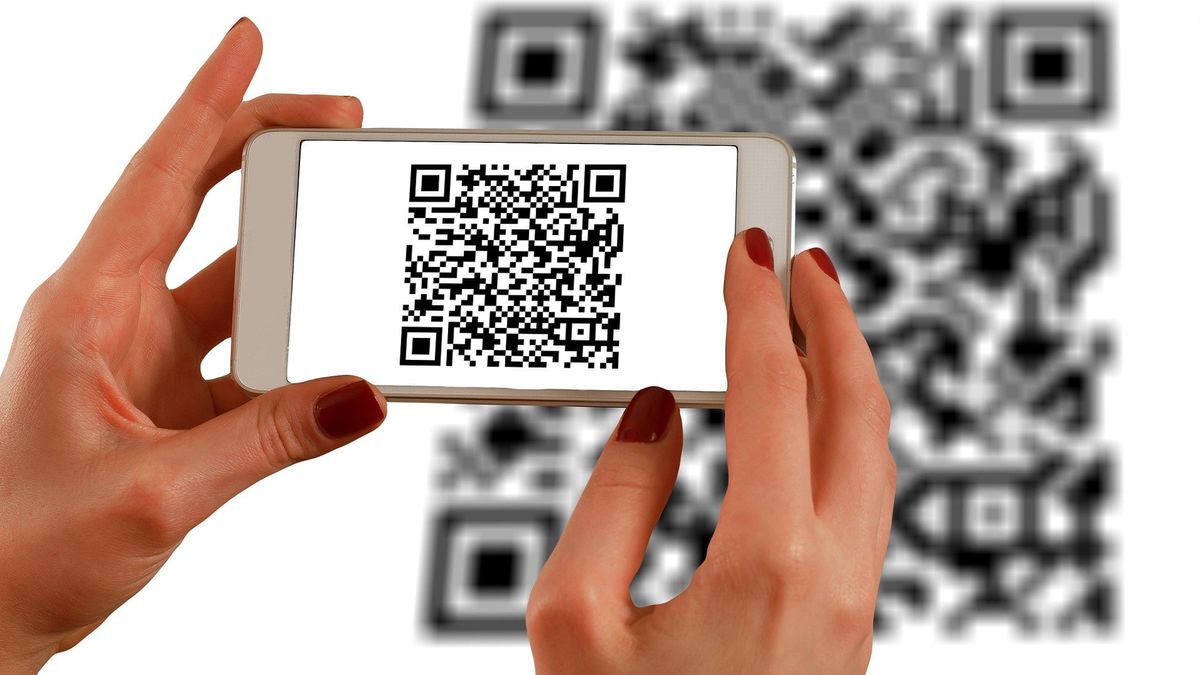
It’s more important than ever to know how to scan a QR code on Android, with the coronavirus pandemic having given these pixelated squares a new lease of life.
QR codes provide a speedy means of sharing and receiving information, and post-Covid many businesses are now asking customers to scan QR codes to check into their venues, download their apps and place their orders.
There are hundreds of QR code scanners for Android devices in the Google Play store, but many are stuffed with ads or have dubious privacy policies. Besides, your phone should be able to scan QR codes without you needing to install an app.
Here are the best methods to use to scan a QR code on your Android device.
How to scan a QR code on Android: Use your Android camera app
Most Android phones now let you scan QR codes using the built-in camera app, to save you installing a third-party QR code reader. If your phone is running Android 9 (Pie) or later, its camera will offer this feature through integration with Google Lens.
Simply open the camera app and point it at a QR code for a few seconds, until it comes into focus — there’s no need to take a photo. Google Lens will automatically detect and decipher the code and display a link, usually to a web page. Tap this link to open and view the code’s contents.


