Contact UsDMCA policyAbout UsPrivacy PolicyTerms of UseDisclaimerCookie Policy
Trending

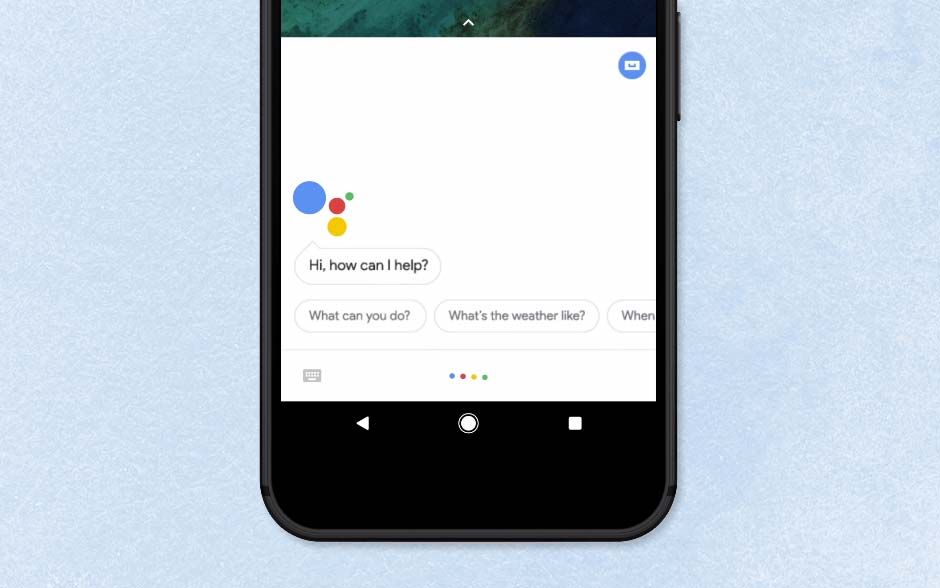
How To Turn Off Google Assistant
How To Turn Off Google Assistant

Most Android users will have wondered how to turn off Google Assistant.

It’s a familiar story: you’ve got yourself a nice Android phone that works like a dream, but you keep accidentally triggering the built-in voice assistant. Perhaps Google Assistant is popping up when you say a certain phrase in conversation, or is responding to something someone says in TV show or commercial.

Here are step-by-step instructions for how to turn off Google Assistant on your Android phone or tablet, or your Google Home or Nest smart speaker, to prevent the feature from bothering you.

How to turn off Google Assistant on an Android phone

1. Open the Google app on your Android phone (or tablet). Tap your profile icon in the top-right corner and choose Settings. 

If you don’t see this option, tap the three-dot More button in the corner of your screen, and choose Settings there.


(Image credit: Tom’s Guide)

2. When the Settings screen opens, tap the “Google Assistant” option. You’ll find this about halfway down the list. 

how to turn off google assistant - assistant

(Image credit: Tom’s Guide)

3. On some Android phones, you can now disable Google Assistant simply by toggling off the switch next to that option.

how to turn off google assistant - slider

(Image credit: Tom’s Guide)

4. If you don’t see this option, swipe down to “Assistant devices” (or Devices on some phones), tap Phone and turn off Google Assistant using the switch there.

how to turn off google assistant - phone

(Image credit: Tom’s Guide)

5. Some Android phones, such as the latest Motorola models, have Google Assistant built into their firmware, which means it can’t be disabled using the above methods.

If you don’t see the switch mentioned in steps 3 and 4, swipe down to the “All Settings” section on the Google Assistant settings screen. Tap General and switch off Google Assistant there. 

Tap “Turn Off” to confirm you want to completely disable the feature.

how to turn off google assistant - general

(Image credit: Tom’s Guide)

How to turn off Google Assistant on Google Home speakers

Credit: Google

(Image credit: Google)

You can’t turn Google Assistant off on a Google Home or Nest speaker, but you can mute the microphone so that Google isn’t listening to you. Press the microphone button on your speaker to turn it on and off.

You’ll find this button on the back of Google Home and Google Nest speakers, and next to the power cord on a Google Home Mini/Google Nest Mini.

For more Google Assistant-related tips, tricks, and how-tos, check out our complete guide to Google Assistant.

Stay connected with us on social media platform for instant update click here to join our Twitter, & Facebook

We are now on Telegram. Click here to join our channel (@TechiUpdate) and stay updated with the latest Technology headlines.

For all the latest Technology News Click Here 

 For the latest news and updates, follow us on Google News. 

Read original article here

Denial of responsibility! TechAzi is an automatic aggregator around the global media. All the content are available free on Internet. We have just arranged it in one platform for educational purpose only. In each content, the hyperlink to the primary source is specified. All trademarks belong to their rightful owners, all materials to their authors. If you are the owner of the content and do not want us to publish your materials on our website, please contact us by email – [email protected]. The content will be deleted within 24 hours.

CategoryTechnology

Related News
