How to Turn Off Read Receipts in Facebook Messenger, iMessage, WhatsApp
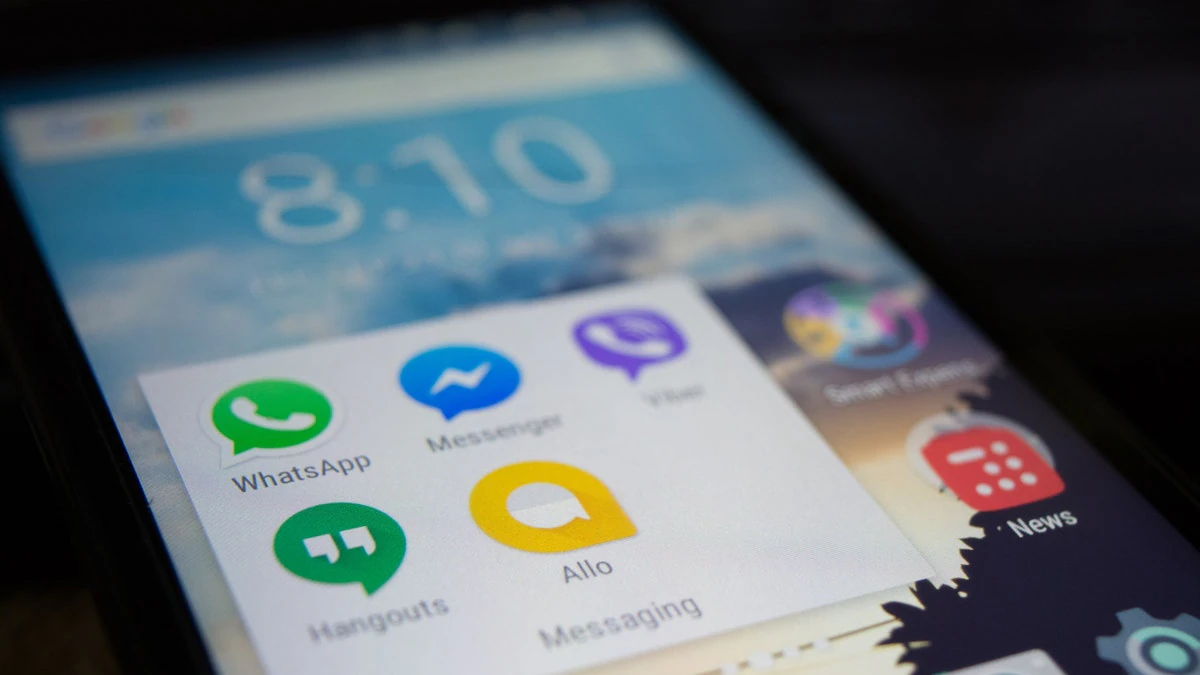
WhatsApp, Facebook Messenger, and Apple’s iMessage — all three apps have the read receipt function that notifies the sender when the receiver has read their message. Read receipts are an important part of communication through messaging apps. It allows users to understand whether their message has been seen by the recipient or not. WhatsApp, Facebook Messenger, and iMessage support the read receipt function by has different ways of notifying the sender that their message has been read. But if you like to keep things more private and not allow the sender the freedom to know when you have read their message, you can turn these read receipts off at any time. For instance, if you keep your read receipts on WhatsApp a blue tick appears next to the message when the recipient has read it.
We’ve compiled a step by step guide on how to turn off read receipts on apps like WhatsApp, Facebook Messenger, and Apple’s iMessage.
How to turn off read receipts in WhatsApp
In order to close read receipts on your WhatsApp, follow these steps.
-
Open the WhatsApp app. Click on the three dots icon on the top-right corner of the screen. Click on Settings.
-
Once in Settings, click on Account > Privacy.
An option called Read Receipt can be found here. Toggle it off to disable it in individual chats. You cannot disable read receipts for group chats.


