How to use Facetime on Android and Windows - Smartprix
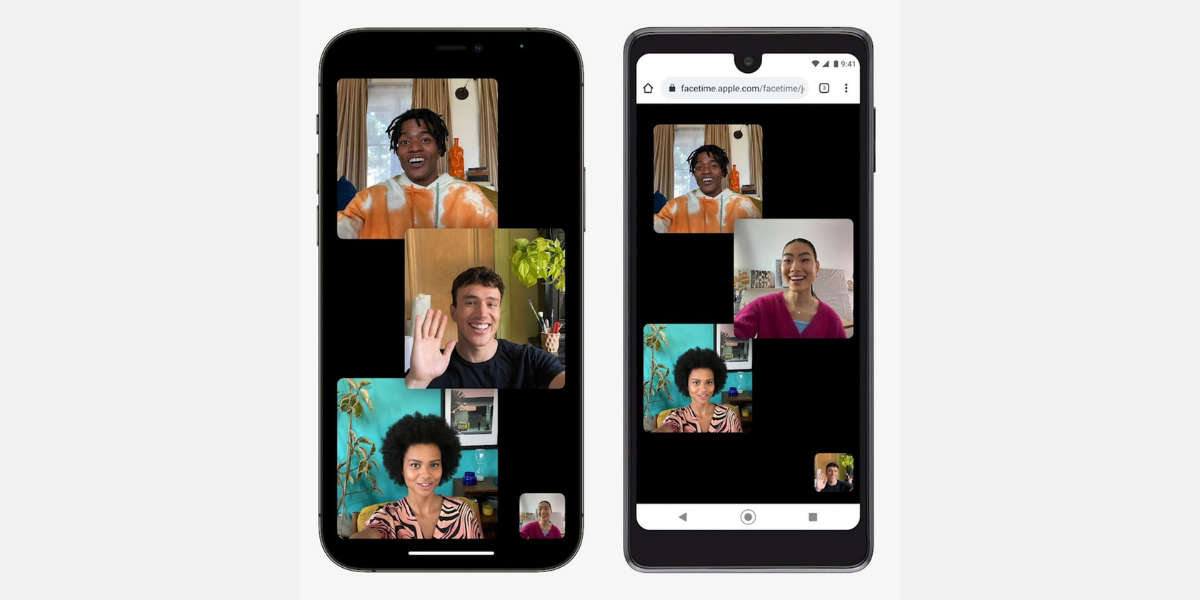
With the rise of the work from home culture because of the COVID-19 pandemic, teleconferencing apps like Google Meet, Zoom, and Microsoft Teams have found a permanent place on our desktops. All major brands, including Apple, have noticed the rising usage of these apps. FaceTime gets many welcome upgrades with iOS 15, iPadOS 15, and macOS Monterey, such as screen sharing, SharePlay, Portrait mode, and more. In addition, Apple announced the integration of FaceTime on Android and Windows at WWDC.
While it is exciting to know that Facetime is available for Android and Windows users, Apple does not plan to launch any native Facetime app for Android and Windows. Android and Windows users can only use FaceTime via their web browsers. On Windows, FaceTime will only work with Microsoft Edge and Google Chrome. For Android, all browsers and devices that use the H.264 codec are supported. But this, too, has several limitations.
Let’s first look at how can you use Facetime on Android and Windows
FaceTime links cannot be generated by Windows or Android users. To create a FaceTime meeting link, they need to ask someone using an iPhone, iPad, or Mac to share the link with them.
Creat a Facetime link for Android and Windows
To enable Android or Windows users to join FaceTime group calls on the iPhone, create a FaceTime link and share it with your friends and family.
Step 1: Launch the FaceTime app on your iPhone.


