Lenovo Yoga 7i 14-inch review: a capable machine for casual users
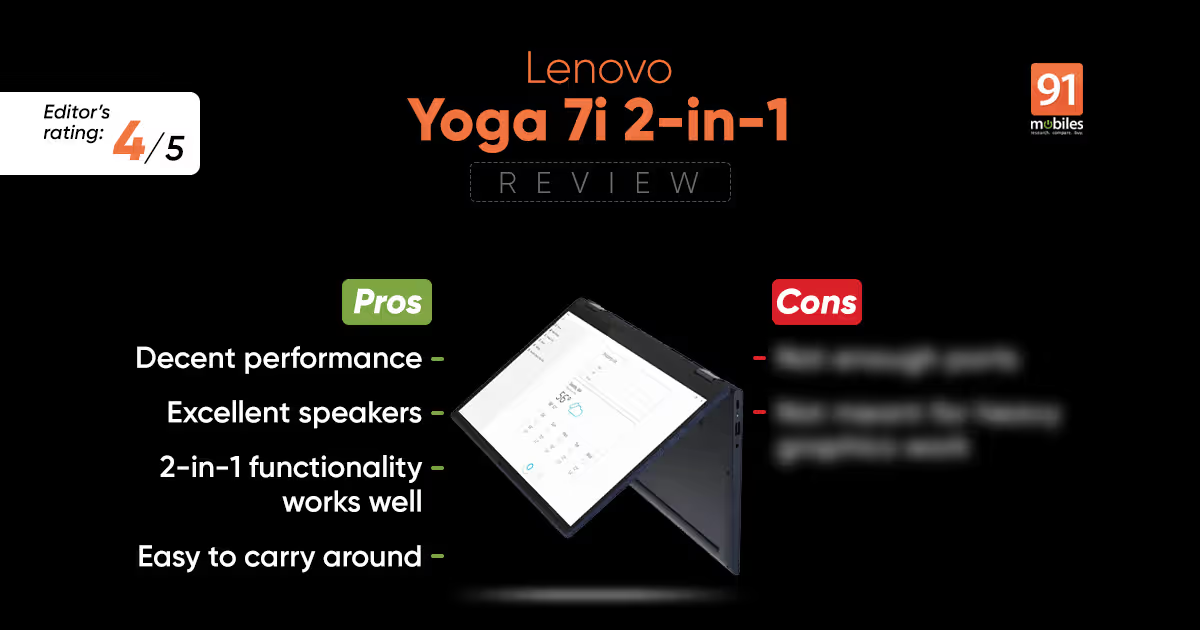
I have been a fan of Lenovo products for a while and not without good reason. The company has usually been great at offering respectable specs for the price, whether it is an ultrabook or a 2-in-1 laptop. The Yoga series from Lenovo has been quite popular, with most models featuring good designs and a premium feel. The Lenovo Yoga 7i 2-in-1 laptop is one such product, powered by the latest Intel 11th-gen CPUs and integrated Iris Xe GPU. It’s priced at a substantial Rs 99,990, which makes one wonder if the Yoga 7i is deserving of such a large chunk of your wallet. In this review let’s try and answer that very same question.
Build, Design and Display
The Yoga 7i employs a unibody aluminum chassis while keeping the thickness to a minimum. There is zero flex on the keyboard, and a matte finish greets my palm and wrists just below it. Despite being fashioned out of metal, there is hardly any weight to the device, making it a portable machine that can be easily tucked inside a backpack. The hinge design makes the Yoga 7i all the more compelling, thanks to a sturdy yet flexible build allowing you to turn the screen full 360-degrees and use it as a tablet. Yet the hinge’s firm hold over the lid takes at least two hands to open it. The touchscreen on the device does add to the overall usability, although I rarely operated the Yoga 7i in tablet mode. The keyboard on the back just doesn’t provide a good enough grip for that. Lenovo has even provided a stylus with the device to make full use of the touchscreen. The Slate Grey colour scheme extends across the entire body of the laptop, with no sign of any other shade anywhere except the trackpad. Finally, there is a webcam present on the top bezel, with a physical slider on top for privacy.
Flanking either side of the keyboard is the Dolby Atmos speaker system, which emits crisp audio. As far as connectivity goes, there’s a small selection of ports available, which includes a USB 3.2 port, two USB C ports with Thunderbolt 4 connectivity, and a 3.5mm headphone jack. I do miss an HDMI 2.0 port, and an SD card reader would’ve been quite handy too. A third USB C on the right could’ve allowed charging the laptop from either side, but I guess that’s a missed opportunity. Wireless connectivity options include the usual Wi-Fi 6 and Bluetooth 5.2.
As far as the display is concerned, the Yoga 7i comes with a bezel-less 14-inch IPS LCD panel with FHD (1,080 x 1,920) resolution and touchscreen capabilities. The screen refresh rate is a standard 60Hz, and while the 300nits of peak brightness is not too shabby, I did long for more. More importantly, the laptop is Dolby Vision certified which amplifies the dynamic range, though the blacks still lack the depth of an AMOLED panel. Colours are quite punchy and sharp allowing for a vibrant viewing experience. The panel covers about 80 percent of the NTSC colour gamut which already puts it ahead of several competing products. Together with the Dolby Atmos speaker setup, watching any kind of content on the Yoga 7i was a delightful experience.
Keyboard and trackpad
I really think that the Yoga 7i’s keyboard is one of the best in the industry in terms of its tactility and responsiveness. Except for the caps lock button, the positioning of every other key was to my liking and I got accustomed to the keyboard pretty quickly. The laptop offers a standard six-row chiclet-style setup with a decent amount of spacing. The travel was low with a soft touch initiating a response from the keys though I did like the satisfying clicks made by them. The keyboard backlight was sufficient for use in low-light conditions and the brightness had two levels of adjustments. The touchscreen input is an option for typing out documents and emails but I really prefer physical clicks under my fingertips. The touchpad is slightly smaller than what you usually get on a 13-inch device though. Even so, the surface is quite smooth to the touch and responsive as well thanks to Windows Precision drivers. Gestures worked well enough, though the fluidity seen on macOS is still lacking.


