Netflix, Amazon Prime, Disney+ on Sky Q: How to add your favourite apps to your TV
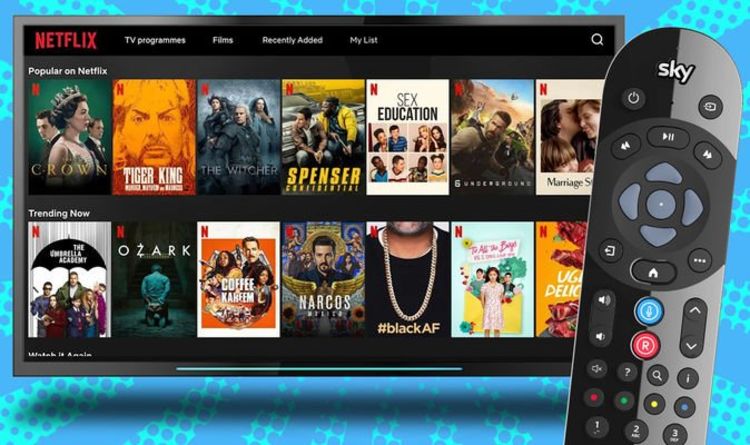
Sky Q is a pretty powerful set-top box. Not only can it record six separate channels while you continue to watch live TV, but it can also stream in 4K Ultra HD quality, run apps like Sky News on-screen while you’re watching a show, and find shows and movies with a voice command into the Sky Q remote.
Over the years, Sky has steadily added a number of popular apps to its set-top box too. At launch, there really wasn’t any need to head down to the My Apps menu, but these days, Sky Q includes everything from Spotify to at-home workout apps like Peloton and Fiit. Of course, it also has some of the biggest video on-demand apps too.
Whether you want to binge the latest season of Queer Eye or The Witcher on Netflix, catch-up with the ex-Top Gear gang in The Grand Tour on Amazon Prime Video, or stream The Mandalorian and WandaVision on Disney+ …there’s no need to reach for your telly remote and switch HDMI inputs – everything you need is available on Sky Q. And with an Apple TV+ app rumoured to be on the horizon very soon, Sky Q really could become the ultimate one-stop-shop for everything binge-able.
Sky Q offers viewers the chance to add a Netflix or Disney+ subscription to their existing Sky TV bill. This means you’ll have fewer Direct Debits to sort through on your monthly bank statement, but also unlocks a slightly deeper integration with the app. For example, searching for a show or an actor with the Sky Q remote will show results from Disney+ and Netflix side-by-side with those from Sky’s vast on-demand library too.
That means you’ll never mistakenly rent something from the Sky Store that was included as part of your Netflix subscription.


